Santa Claus Editable Text Effect: A Festive Design Solution
Imagine you're putting the finishing touches on a holiday campaign. You need a headline that feels joyful, celebratory, and unmistakably Christmas-themed, but the standard fonts in your library just aren't cutting it. They lack that specific sparkle, that three-dimensional depth that makes a design pop off the page or screen. This is where a specialized asset like the Santa Claus Editable Text Effect becomes a practical tool in a designer's toolkit. It’s not just a static image; it’s a dynamic template that transforms ordinary text into a vibrant, festive centerpiece with just a few clicks.
More Than Just a Festive Font
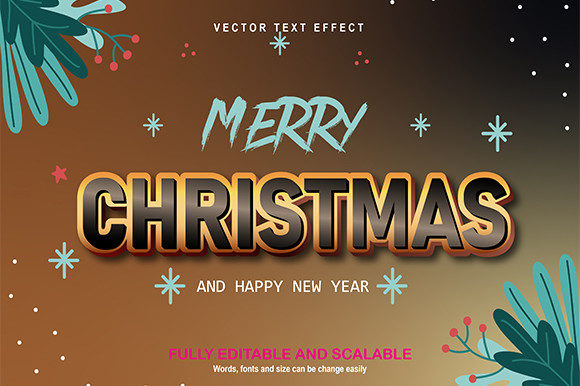
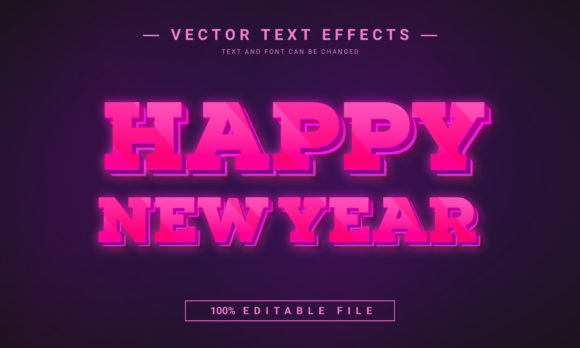
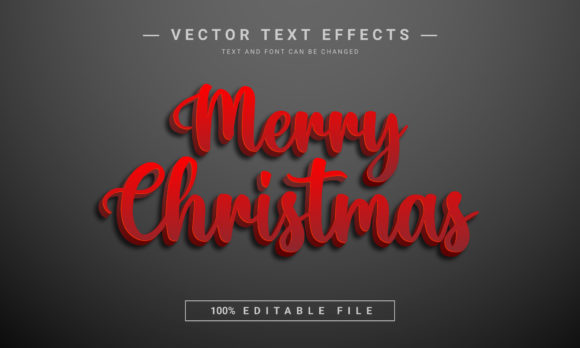
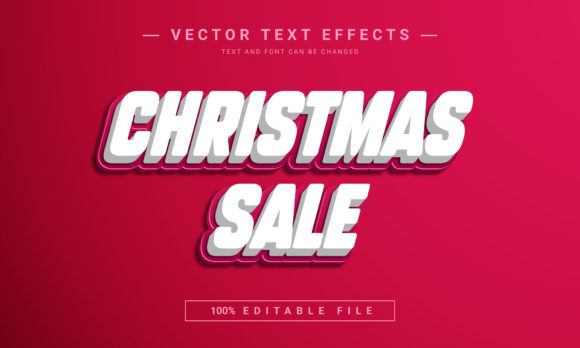
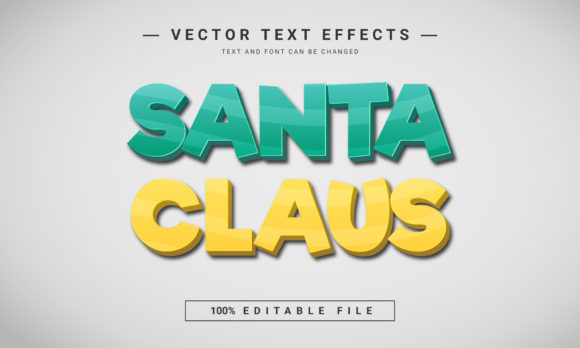
At its core, this is a 3D text effect file, typically provided in an EPS format, which stands for Encapsulated PostScript. This vector-based format is key because it allows for incredible scalability without losing quality. You can resize your text from a small social media icon to a large printed poster, and the edges will remain crisp. The "editable" aspect is its most powerful feature. You are not locked into a pre-written "Merry Christmas." You have complete control to type any word or phrase you need. The effect is applied to your text automatically, preserving the festive styling—like the red and white color palette, the subtle shadows, and the dimensional appearance—while giving you the freedom to communicate your specific message.
The visual appeal is immediate. It captures the classic, warm essence of the holiday season. The three-dimensional quality adds a tactile feel, as if the letters are crafted from shiny ornaments or glossy wrapping paper. This kind of visual treatment does more than just look nice; it communicates a mood instantly. For a small business owner creating a "Holiday Sale" banner or a blogger designing a "Gift Guide" header, this effect provides a professional polish that might otherwise require advanced software skills or a freelance designer's budget.
Practical Applications Across Projects
The versatility of a tool like this is where its real value lies. Consider the breadth of projects where festive typography is needed. For social media graphics, a bold, dimensional text effect can stop the scroll. Use it for Instagram story announcements, Facebook event covers, or Pinterest pins promoting holiday content. The 2000×1200 pixel dimension mentioned is ideal for many social platform header images, ensuring your design looks sharp.
For print materials, the applications are just as broad. Designers and crafters can use it for invitations to holiday parties, posters for local community events, or packaging design for seasonal products. Imagine a small-batch candle maker using this effect on their holiday collection labels or a bakery creating festive menu boards. The effect adds a layer of perceived value and celebration to the physical product.
Digital entrepreneurs and content creators will find it useful for website banners and blog graphics. A well-designed header image sets the tone for a holiday-themed blog post or a seasonal landing page. Similarly, those selling digital products—like printable planners, wall art, or social media template kits—can incorporate this effect to create eye-catching cover images or sample graphics that showcase their products in a festive context.
Enhancing Your Brand's Seasonal Identity
Consistency is a cornerstone of good branding, and the holidays are no exception. Using a specific, high-quality text effect across all your seasonal communications helps create a cohesive visual identity. If your audience sees the same stylistic treatment on your Instagram, your email newsletter, and your in-store signage, it strengthens brand recognition during a crowded marketing period. The Santa Claus Editable Text Effect serves as a reusable design asset that can be integrated into your broader brand identity toolkit for the fourth quarter.
From a marketing perspective, professional presentation builds trust. A sloppy, hastily designed graphic can undermine your message, while a polished, thoughtfully designed one enhances it. This effect helps achieve that professional look efficiently. It also aids in audience engagement. Visually appealing content is more likely to be liked, shared, and remembered. A dynamic text effect can make a simple call-to-action, like "Shop Now" or "Learn More," feel more urgent and festive.
Tips for Effective Implementation
To get the most out of any premium font or text effect, a strategic approach is needed. First, consider readability. While the 3D effect is visually striking, ensure the text remains legible at the size it will be viewed. Test it at thumbnail size for social media and at a larger scale for print. The font style inherent in the effect is likely a bold display font, which is perfect for headlines and short phrases but may not be suitable for body copy.
Second, think about font pairing. If you're using this effect for a headline, what typeface will you use for subheadings or body text? A clean sans serif font often pairs well with a decorative display font, providing balance and ensuring overall readability. Avoid pairing it with another highly stylized script font or handwritten font, as this can create visual clutter.
Third, always check the commercial licensing terms. Even if a design asset is free or low-cost, its license may restrict certain uses, such as on merchandise for sale or in client work. Understanding the license protects you legally and is a mark of professional practice. Finally, explore all the included features. A fully layered file means you might be able to adjust individual elements, like the shadow depth or highlight color, to better match your specific color palette, offering even more customization for your creative projects.