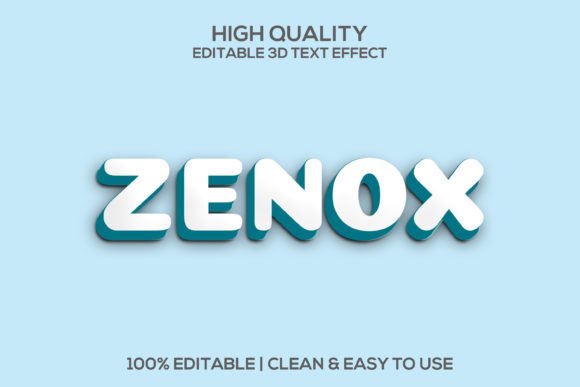
Zenox: Unlocking Creative 3D Typography
There’s a particular kind of frustration that hits when you’ve got a solid concept for a logo, a social media campaign, or product packaging, but the typography just won’t cooperate. You need something that feels energetic and modern, with enough visual weight to stand on its own. It needs to look polished and professional without requiring a degree in 3D modeling software. This is precisely where a versatile design asset like the Zenox | 3D Zenox Editable Psd Text Style steps in, offering a bridge between a creative idea and a finished, high-impact visual.
More Than Just a Font: A Visual Identity Toolkit
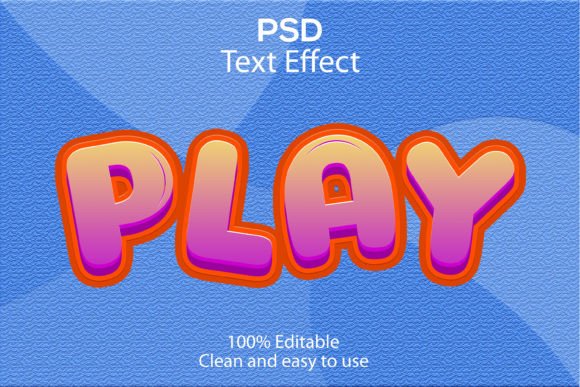
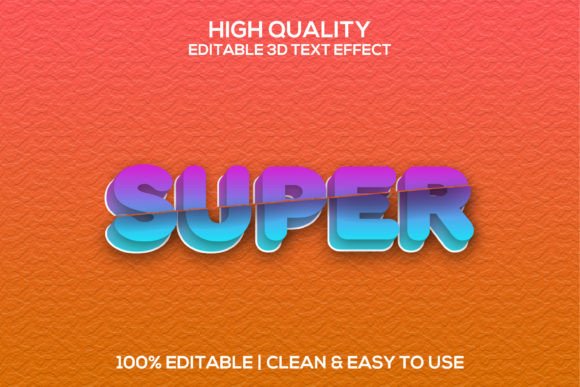
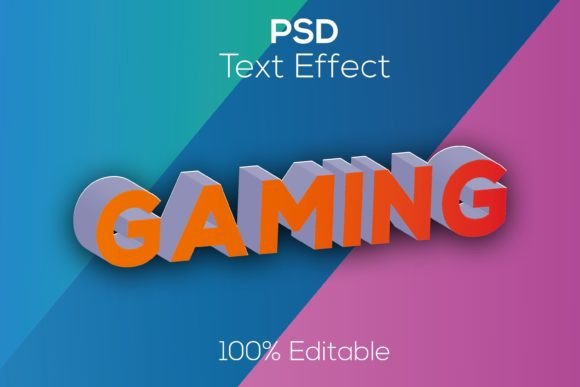
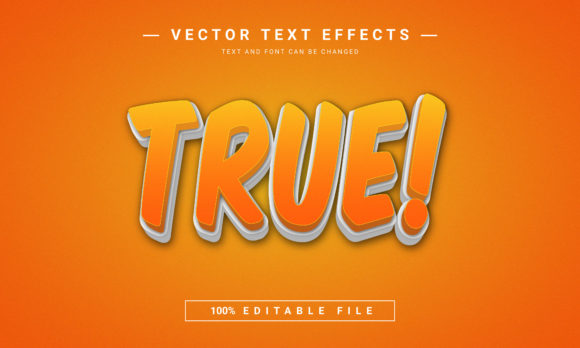
It’s important to clarify what this product is and isn’t. The Zenox collection isn't a traditional typeface you install and simply type with. It’s a premium set of layered, editable Photoshop text effects. Think of it as a styling kit for your words. You provide the text—using any font you have—and apply the Zenox style to transform it into a stunning, three-dimensional cartoon render or a sleek, modern logotype. The appeal lies in its 100% editable and fully layered nature. Every shadow, highlight, color, and texture can be tweaked inside a Smart Object in Photoshop, giving you complete creative control.
This approach solves a common problem for designers and entrepreneurs. Creating convincing 3D text from scratch is time-consuming. Finding a pre-made effect that doesn’t look cheap or generic is difficult. The Zenox text effect bridges that gap by providing a realistic, vector-quality foundation that you can customize in minutes. The high 3000×2000 pixel resolution at 300 DPI ensures your final output is crisp enough for both digital screens and professional print, a critical factor for maintaining a professional presentation across all touchpoints.
Practical Applications for Impactful Branding
The true value of a design asset is measured by its utility. Where exactly can you deploy this kind of bold, stylized typography? The applications are surprisingly broad, making it a versatile tool for anyone focused on visual communication.
- Logo & Logotype Design: For startups, gaming channels, or youth-oriented brands, the 3D cartoon style can instantly create a memorable and dynamic wordmark. It injects personality and energy, helping with brand recognition in a crowded marketplace.
- Social Media Graphics: In the fast-scroll world of Instagram, TikTok, or YouTube thumbnails, a bold 3D headline stops the eye. Use it for sale announcements, podcast titles, or event promotions to boost audience engagement and click-through rates.
- Packaging & Merchandise: Imagine this effect on a t-shirt graphic, a sticker, or the header of a product box. It adds a tactile, premium quality that can elevate perceived value for physical goods.
- Marketing & Advertising Assets: From website hero banners to email newsletter headers and digital ads, impactful typography can anchor your entire campaign. It helps in creating visual consistency when used as a recurring design element.
- Event & Editorial Design: Invitations for parties, concert posters, magazine feature titles, or blog post headers can all benefit from a touch of dimensional, modern typography to set the tone and attract readers.
Integrating Zenox into Your Design Workflow
Having a powerful tool is one thing; using it effectively is another. Here’s how to approach the Zenox text effect to get the most out of it without compromising your project's integrity.
Start with Your Project's Goal. Are you going for playful and cartoonish, or sleek and futuristic? The Zenox collection offers different styles. Match the effect’s personality to your brand’s voice. A children’s education app would use the cartoon style differently than a music festival poster would use the modern, clean variant.
Font Pairing is Crucial. Since you can apply the Zenox effect to any font, your choice of underlying typeface matters immensely. A bold, simple sans-serif like Bebas Neue or Futura works well with the 3D effect, ensuring readability isn’t lost. For a more decorative headline, pairing it with a clean sans-serif or serif font for body text creates a necessary contrast and maintains hierarchy. Always test pairings on your actual background—whether it’s a photo, a solid color, or a pattern—to ensure the text remains legible.
Leverage the Editable Layers. Don’t just accept the default. Dive into the Smart Object. Adjust the base color to match your brand palette. Tweak the shadow depth for more or less drama. Change the highlight color for a unique glow. This customization is what transforms a pre-made asset into a unique piece of your brand identity.
Consider Commercial Licensing. This is a non-negotiable step for any professional use. The Zenox text effect is a premium font asset, and its license terms are designed for commercial projects. Always review the license to ensure it covers your intended use, whether it’s for a client’s logo, merchandise for sale, or digital product templates. This due diligence protects you legally and is a hallmark of professional practice.
A Final Thought on Visual Impact
In a landscape saturated with flat design and minimalism, a well-executed 3D text effect can be a strategic differentiator. It conveys energy, modernity, and attention to detail. The Zenox text style package provides a practical, high-quality shortcut to achieving that impact. It’s less about learning complex software and more about applying a powerful visual treatment to amplify your message. Whether you’re a solo entrepreneur crafting your first logo or a seasoned designer building a campaign toolkit, having such a flexible and easy to use asset in your library means you’re always one step closer to turning a compelling idea into a visually stunning reality.